 For iPhone · Free to try
Recreate
any photo.
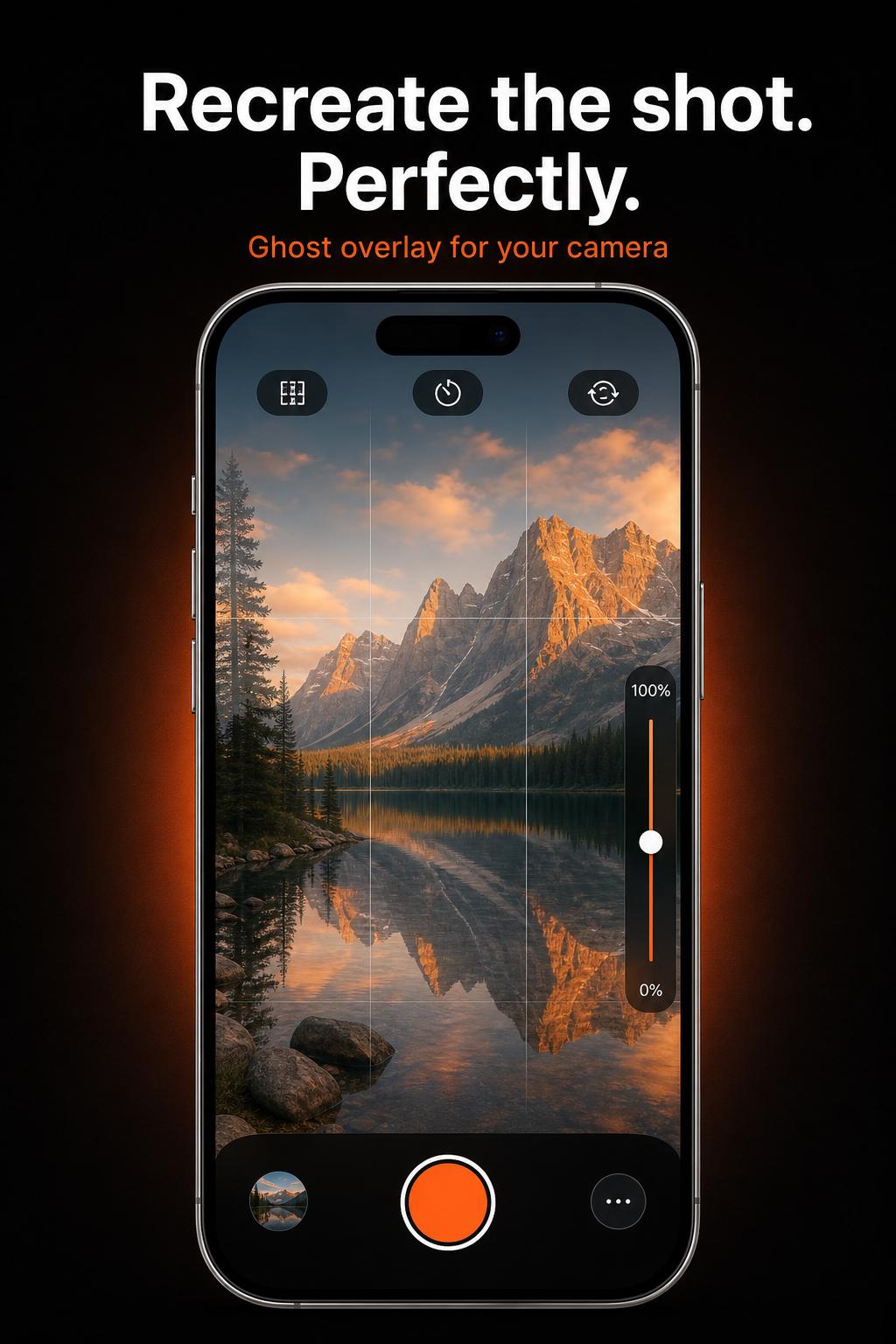
GhostFrame overlays a translucent version of any reference photo onto your live camera — so you can match poses, angles, and framing down to the pixel.

How it works
Three moves. One perfect frame.
Pick a reference
Choose a photo from your library — a portrait, a car shot, a travel memory, anything.
Line it up
The reference floats over your camera as a ghost. Move, scale, and rotate until it snaps.
Shoot & compare
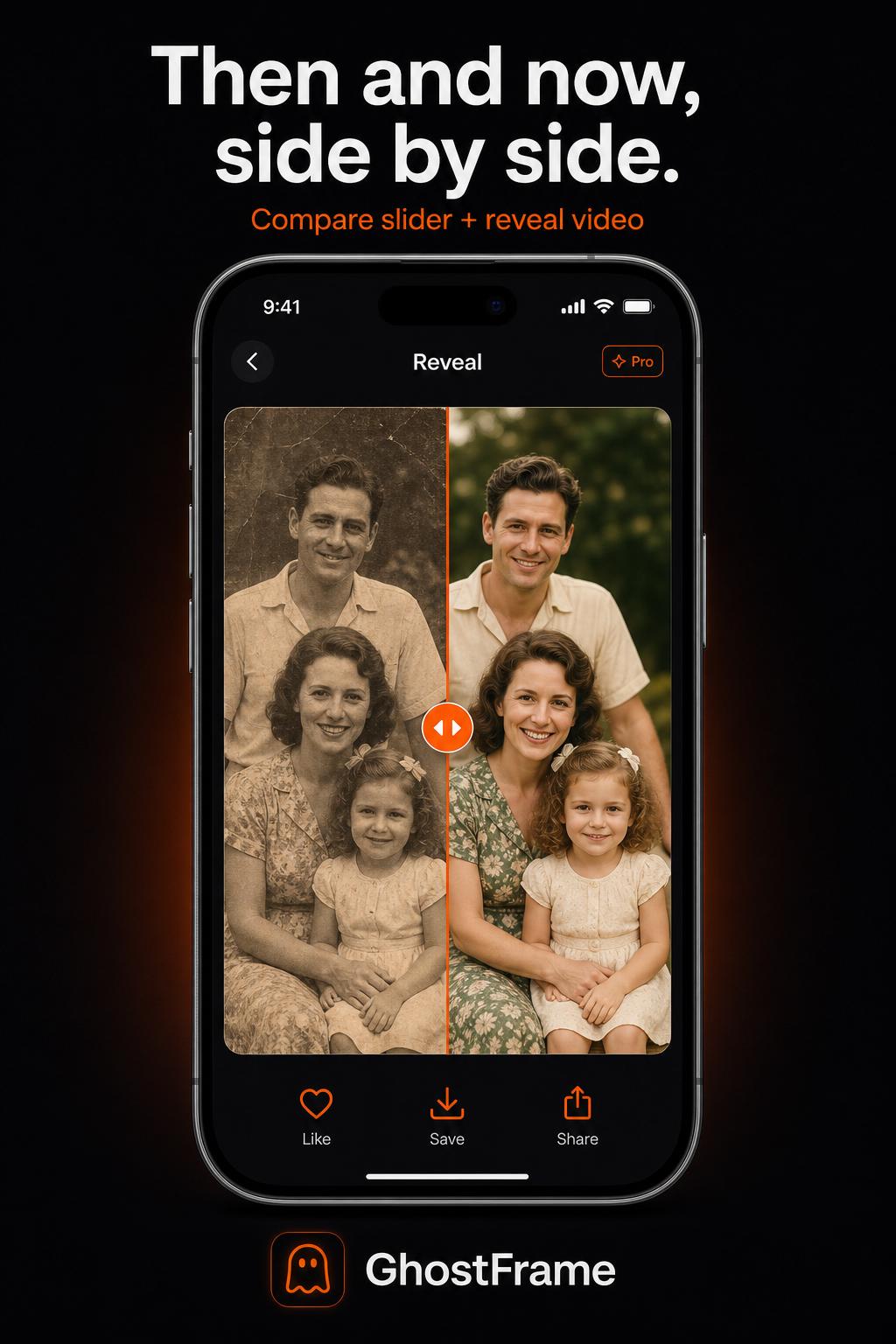
Capture. Slide between the reference and your version. Save the winner.
Screens
See GhostFrame in your hand.
Everything in the frame
Built for photographers who care.
Ghost overlay
Load any reference photo and see it as a translucent guide on your live viewfinder.
Pinch, drag, rotate
Move, scale, rotate, and flip the overlay until it locks onto your scene.
Opacity control
Dial ghost transparency from a whisper to full opacity with a single slider.
Grid & horizon
Rule-of-thirds grid, center crosshair, and horizon line for precise framing.
Nudge pad
Pixel-perfect adjustments with a directional pad — Pro only.
Timer & flip
3s or 10s self-timer, front/back switching, and mirror flip built in.
Unlock every frame.
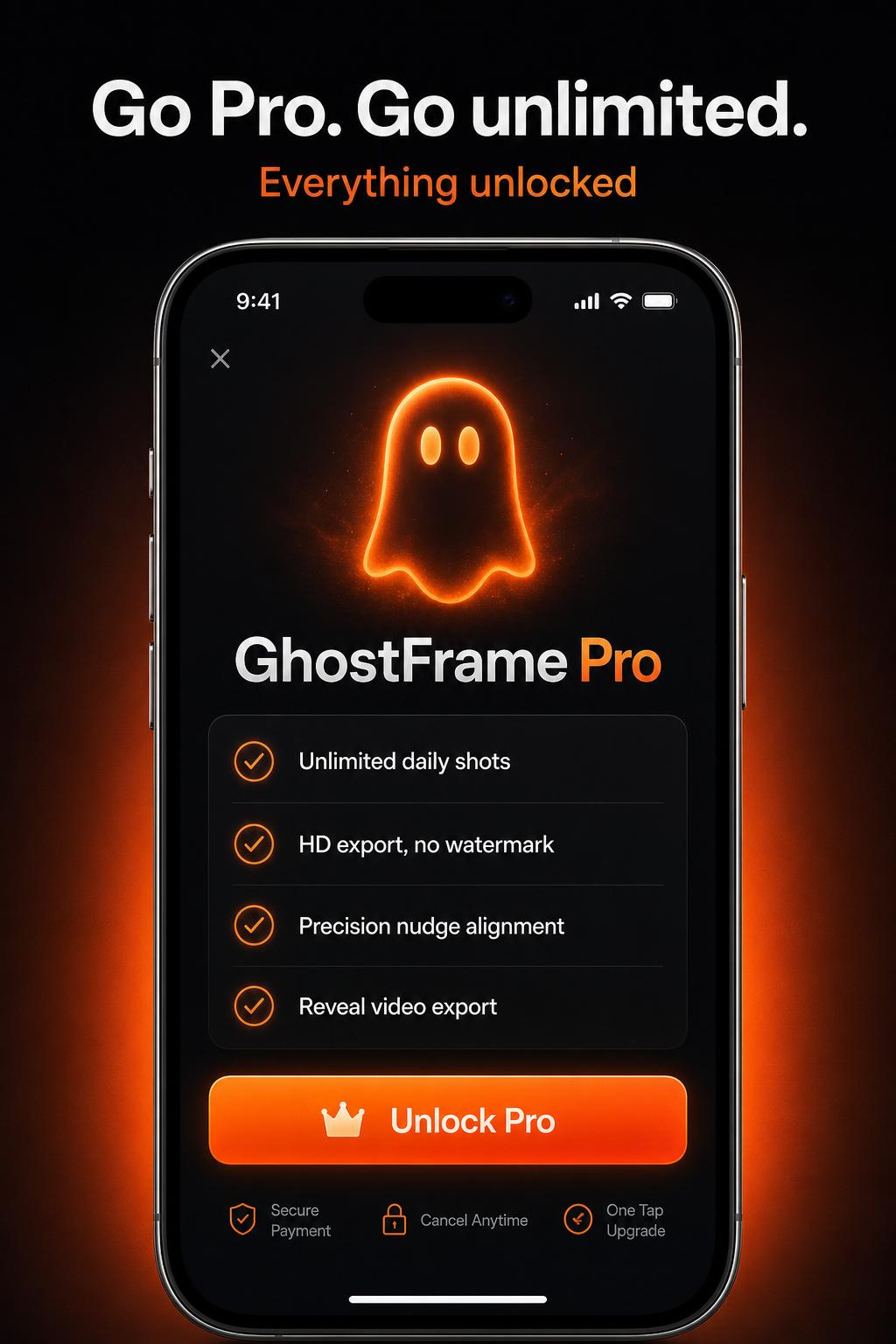
The free version gives you 3 shots a day. Pro removes the cap, the watermark, and adds precision tools for photographers who don't compromise.
Try Pro in the appUnlimited recreations
No daily cap. Shoot as many ghost-aligned photos as you want.
HD export
Save the original full-resolution capture.
No watermark
Clean photos — nothing but your shot.
Advanced alignment
Precision nudge pad for pixel-perfect overlay placement.
Saved collections
Organize reference photos into named collections.
Your next photo, but better.
Free to download. No account. Shoot your first ghost-aligned photo in under a minute.
Download on the App Store